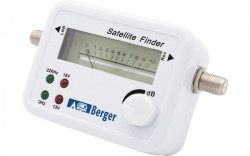


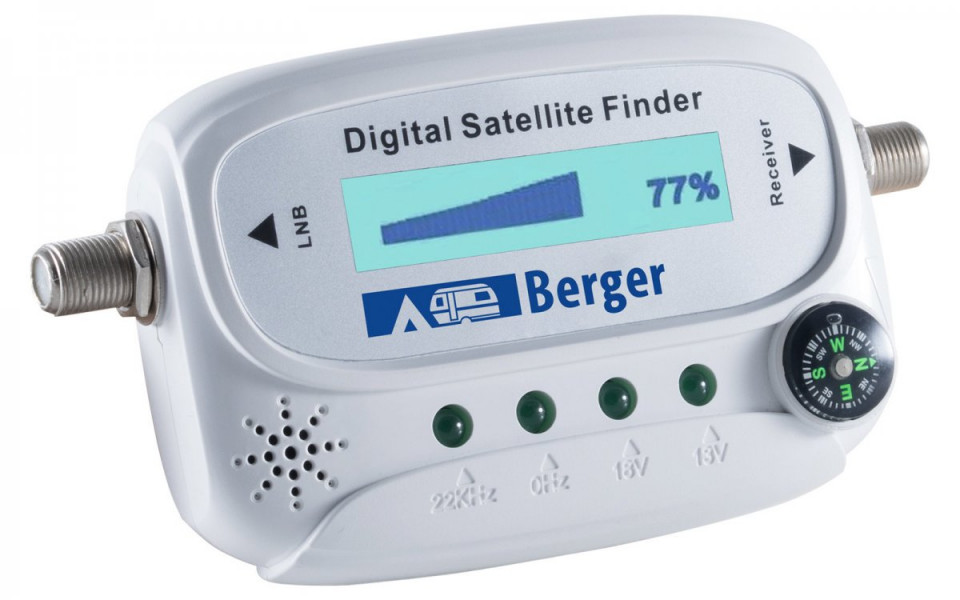
Sat-Finder with digital display for quick alignment of mobile satellite dishes

Description
Satellite-finder is easy to use and allows quick and precise alignment of satellite dishes. The Sat-finder connects to the receiver (or TV with receiver) and on the other side to the satellite dish. Finding the satellite is signalled by acoustic and optical signals.
Specifications
- Colour: white
- Display: digital
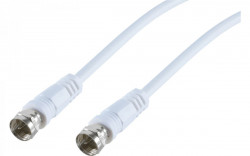
Package includes LNB connection cable
Instructions for use:
1 - Connect the LNB to the "LNB" jack and the cable to the receiver or TV with receiver "RECEIVER" jack
2 - Switch on the receiver and if the connections are correct, the SAT finder's SAT display should be illuminated.
3 - Point the antenna approximately in the desired direction. HINT: Orient, if possible, by the position of other antennas within line of sight or to the south (satellites that can be received in Europe are located on the southern horizon).
4 - Adjust the signal attenuation wheel to 50%. Rotate the antenna (elevation and azimuth) until the signal reaches 99%. Adjust the signal attenuation knob again to 50% and turn the antenna again until the signal strength reaches 99%. Repeat this operation until you have maximum signal quality. You can see on the built-in LEDs at what level you are receiving the signal: 22kHz = High Band , 0kHz = Low Band , 18 V = Horizontal , 13 V = Vertical
5. Switch off the SAT finder and connect the LNB directly to the receiver.
Details
Delivery
Products on stock are delivered in 2 - 4 working days
Free delivery for orders > 60 Euro (except for products with special warnings)
Frequently bought together
-
 Protective skirt for caravans or motorhomes per metre, height 50 cmRON 34.00 / m liniar
 -
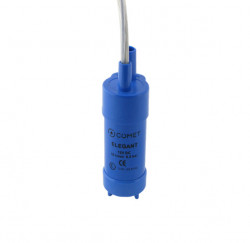
Submersible water pump "Elegant" 10l / 0,5 bar for caravans or motorhomesRON 59.00 RON 70.00



Other customers have bought
-
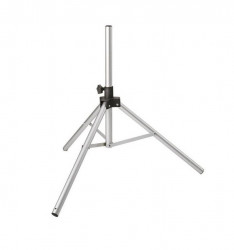
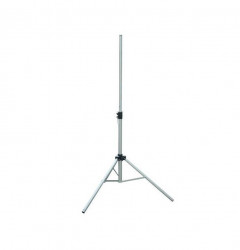
Folding tripod for satellite dishes, 90 cmRON 123.00
-
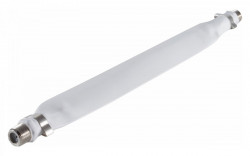
TV coaxial cable for windowRON 21.00
-
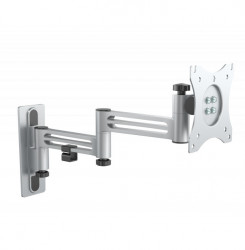
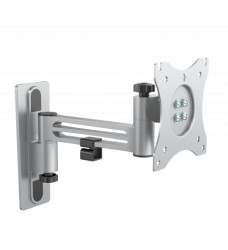
TV bracket with one arm 21 cm, VESA standardRON 159.00
-
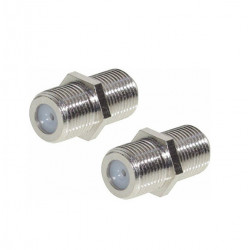
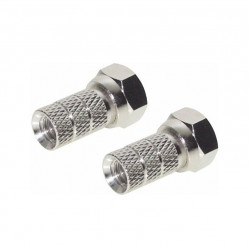
TV coaxial cable connector (2 pcs)RON 13.00
-
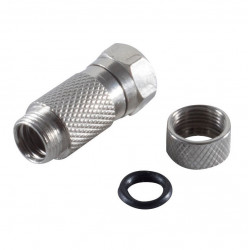
F-type plug for 5/6/7 mm coaxial cableRON 8.00 RON 11.00
-
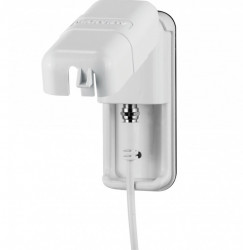
External TV cable socket for caravansRON 129.00 RON 184.00
-
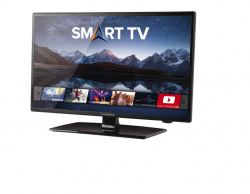
Smart TV LED 12/24/230 V, Carbest, 27" diagonalRON 2,161.00
-
Mestic MC-200 video system for marshalsRON 1,149.00
-
Universal marshalling room for camper, BLACKRON 433.00 RON 509.00
-
Mestic MC-400 Wireless video system for marshalsRON 1,999.00