

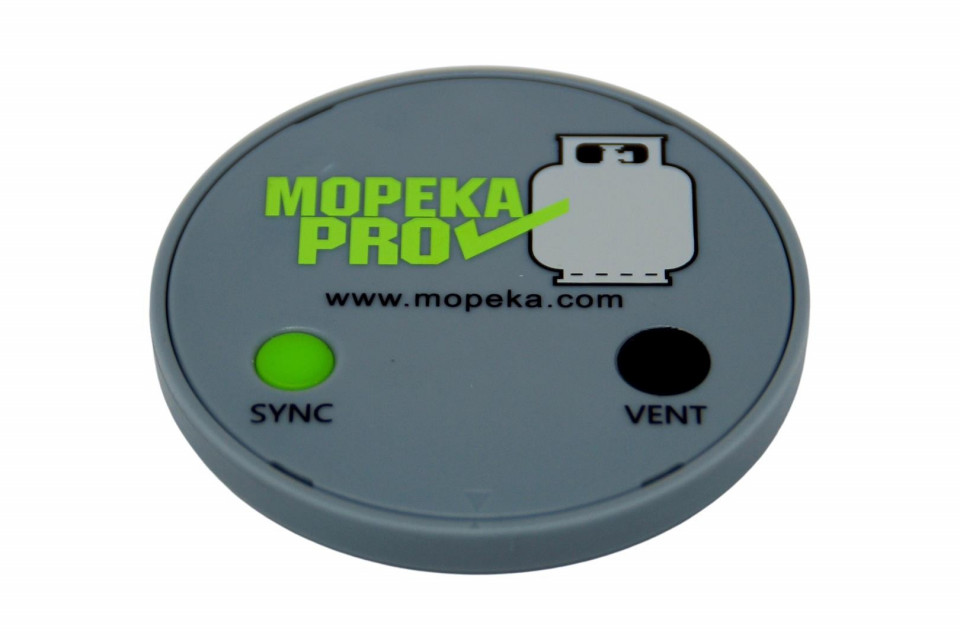
Wireless "Mopeka PRO bluetooth" indicator for tank gas level up to 3785l

Description
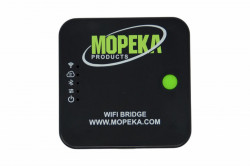
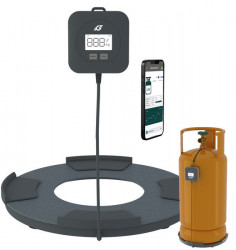
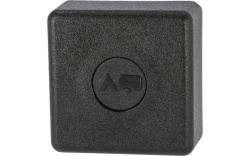
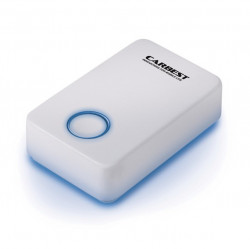
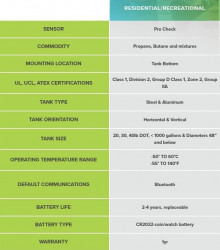
Gas level indicator for MOPEKA PRO Bluetooth gas cylinders. The sensor attaches magnetically to the base of the gas tank. With the "Mopeka" app (available for Android and iOS) the gas level in the tank can be monitored. Readings can be taken within range of the Bluetooth. Reading from any distance can be done with the "Mopeka Wifi Bridge" which must be purchased separately.
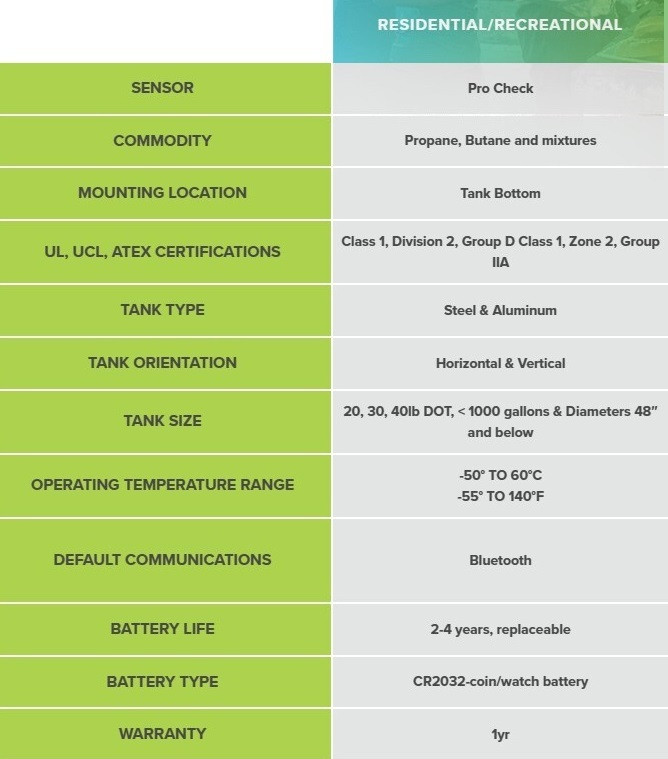
Mopeka Pro is compatible with all LPG or propane / butane gas tanks and cylinders up to 3.785 litres, horizontal or vertical steel(NOT compatible with plastic or aluminium tanks)
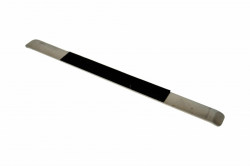
Attachment: Attaches to the underside of the steel gas tank/tank using the included magnets.
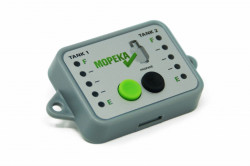
Fill level reading via Bluetooth: free Mopeka Check app on smartphone or tablet; or Mopeka Check LED Display.
Also compatible with Mopeka Wifi Bridge, which allows remote reading of the sensor via APP.
Power supply: CR2032 battery
Mopeka Pro sensor installation
1. Go to the app-store. Search for the Mopeka Tank Check app and install.
2. Launch the app. When it starts, it will automatically start a search for Mopeka sensors.
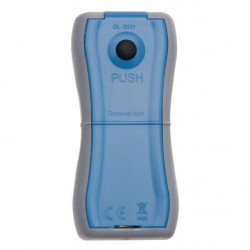
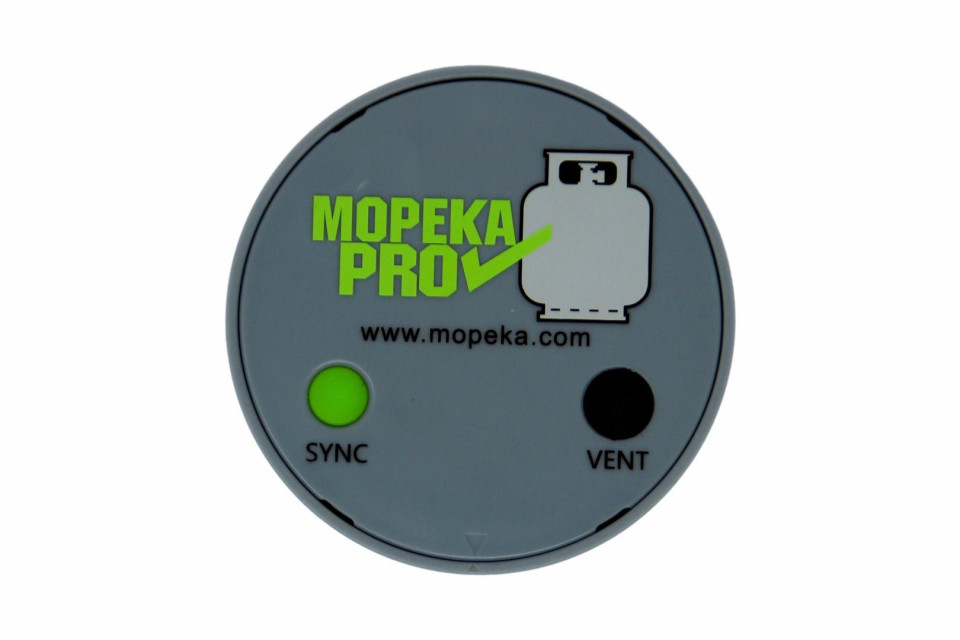
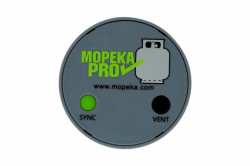
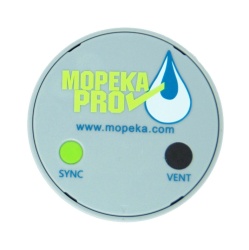
3. Press and hold the SYNC button until the sensor appears in the app. (up to 10 seconds)
4. The sensor will then appear in your app as a new device.
5. The sensor is now synchronised. You can now proceed to installing the sensor on the tank.
For steel tanks
6. Clean the tank bottom of any debris, excess paint and rust.
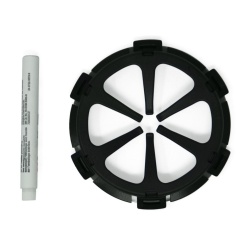
7. If your tank sits directly on the ground or other flat surface, then install spacers at the bottom of your tank. This will provide adequate space and improved wireless range for the sensor.
8. Mount the sensor in the bottom centre of the tank using magnets. The rubber plate between the magnets should have good contact with the tank, with no contaminants between them, and should be aligned with the bottom centre of the tank.
9. Apply a generous amount of the supplied sonic grease directly to the rubber pad before attaching the sensor to the tank.
10. Install the sensor on the tank so that the rubber pad is aligned with the bottom, centre of the tank.
For integration with the Victron Energy Cerbo GX go to the Cerbo GX Manual Link
Details
Delivery
Products on stock are delivered in 2 - 4 working days
Free delivery for orders > 60 Euro (except for products with special warnings)
Frequently bought together
-
Gas filter "Truma" 1 pcRON 249.00 RON 280.00
-
 Fiamma LED Awning Case for F45 awningsRON 439.00
 -
External LPG fuel inlet with 90° connectionRON 159.00
-
Spiral waste water hose ∅25 mmRON 19.00 / m liniar
-
Copper gas pipe with external insulation, external diameter 8mmRON 42.00 / m liniar
-
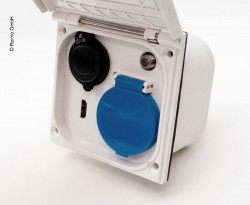
External socket 220V / 12V / TV and HDMIRON 209.00

Other customers have bought
-
Mopeka" wireless displayRON 499.00
-
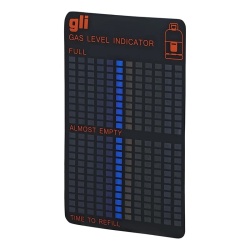
Gas level indicator "Gaslevel"RON 159.00